

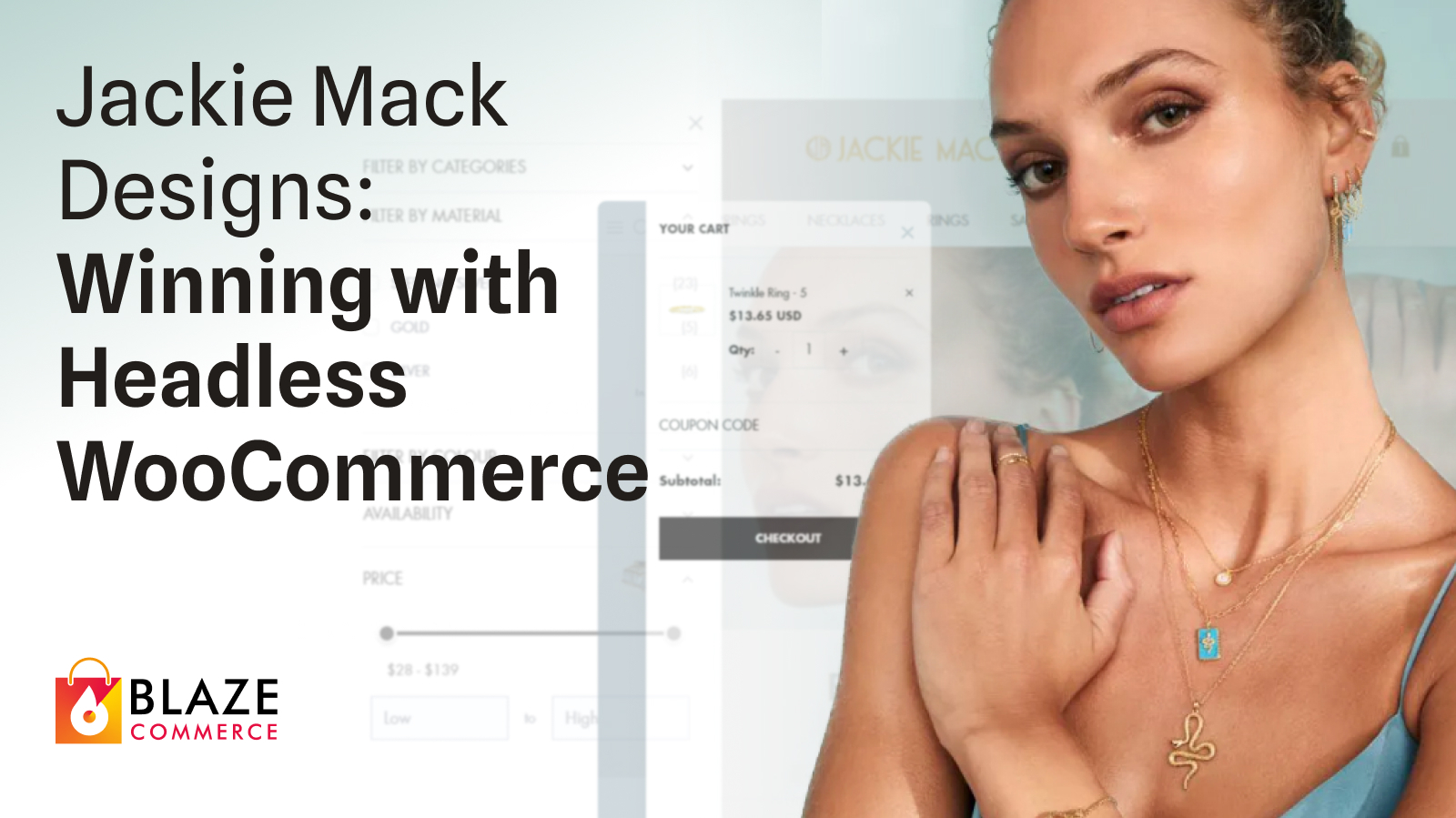
Jackie Mack Designs‘ conversion rate had dropped 57%. Their wholesale partners – Revolve, Anthropologie, and other major retailers – were sending traffic to a site that took over 5 seconds to load. TikTok Ads warned them directly: “Your website is too slow to run effective campaigns.”
The bleeding was real. February 2023 was their worst month since launching the business.
- First Contentful Paint: 0.945s (from 5.2s)
- Time to First Byte: 0.172s (from 1.2s)
- Bounce rate: down 22.4%
- Outcome: won their largest wholesale account – a major US retailer – within months of launch
This article is part of our WooCommerce Performance Optimization series. For the complete guide covering why stores are slow and how to resolve it, start there.
A note before we start: this case study gets into PageSpeed scores, UX failures, and the WooCommerce build underneath them. If that’s your world, the detail is all here. If it isn’t, the short version is simple – we took Jackie Mack Designs from over 5-second loads to 0.945s, and the faster store helped them win their largest wholesale account, a major US retailer. Skip to the FAQ for what that means for your store.
What was broken
Our diagnostic process looks at four layers – UX, performance, analytics, and the underlying WooCommerce build – developed across 11 years and hundreds of WooCommerce engagements. On Jackie Mack Designs, the failures clustered in product discovery, in the performance underneath it, and in a build that was duplicating work across two stores.
WooCommerce build. Jackie was running two separate WooCommerce sites – one for Australia and New Zealand, another for the US market. Every product update, every banner change, every price adjustment had to be done twice. Both were hosted on Amazon AWS for “speed optimization” that never arrived.
UX. For the UX layer we draw on the Baymard Institute’s ecommerce research alongside the patterns we’ve seen across hundreds of stores. Against that standard, product discovery was the weakest point: customers couldn’t filter by material (silver vs gold), style (hoops vs studs), or stone type. On mobile – where 80% of traffic originated – oversized headers ate the screen, leaving no products visible above the fold.
Performance. Pages took over 5 seconds to load. At that speed the analytics told the rest of the story: a 57% drop in conversion and an ad platform refusing to run campaigns against the site.
Why this hadn’t been solved
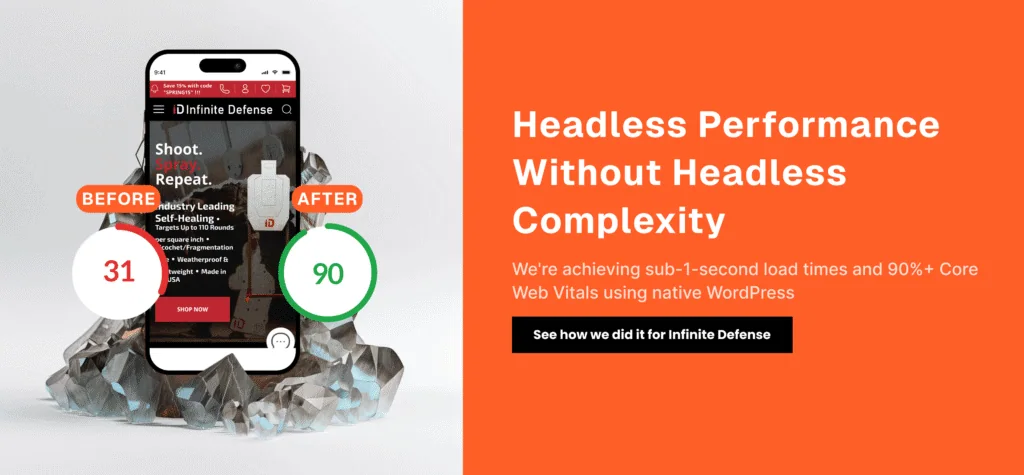
Previous developers couldn’t solve it. Every agency pushed the same answer: “Switch to Shopify.”
Jackie refused. “I want to own my business, not rent it from a platform,” she told us. “I just need someone who actually understands WooCommerce.”
That’s the gap. We’ve spent 11 years and hundreds of engagements focused on WooCommerce – not WordPress generally, not “we also do Shopify.” That specialization surfaced solutions the generalists missed.

What we did
We don’t do rebuilds. In 11 years, we’ve never told a client to start over. Jackie Mack Designs’ site after we shipped was the same business they came to us with – same products, same orders, same customer data, same WooCommerce admin. What changed was the architecture underneath and the product discovery on top. Same store, working properly.
Jackie’s catalog and order volume put her on the side of the line where a headless build earns its keep, so that’s the route we took. We worked across all four layers:
Site consolidation. We merged both stores into a single dynamic platform. US visitors see USD pricing and US-specific promotions. Australian visitors see AUD and local campaigns. One admin panel, one inventory, one workflow.
Headless architecture, WooCommerce control. Jackie went headless without losing the WooCommerce admin she relied on. She still manages products, orders, and customers exactly as before. Changes sync in 20-30 seconds. We implemented headless WooCommerce with a React/Next.js frontend, edge deployment across regions, intelligent caching with instant invalidation, and optimized image delivery. We also consolidated the plugin stack, removing 12 redundant plugins.
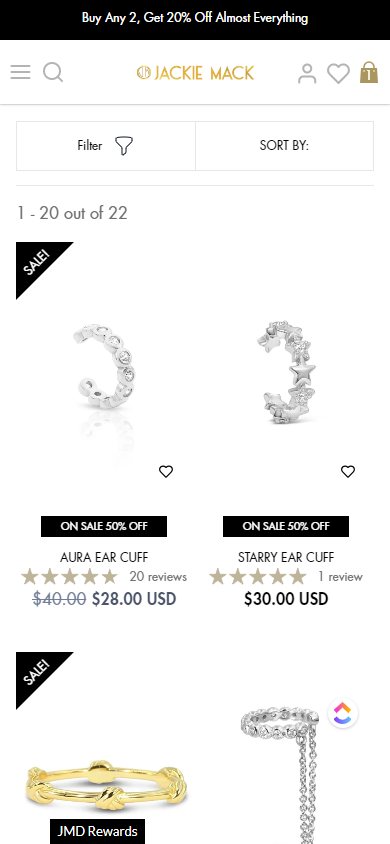
Smart filtering that works. We built category-specific filters that adapt to each product type. Viewing earrings? Filter by backing type, metal, stone. Viewing necklaces? Filter by chain length, pendant style. The filters that matter, not generic dropdowns.
Regional checkout intelligence. US customers see required phone fields for shipping. Australian customers get a streamlined checkout. Payment methods adjust automatically – US AfterPay for Americans, AU AfterPay for Australians.
Integration with critical systems stayed seamless:
- Cin7 inventory management
- Klaviyo email marketing
- Yotpo reviews and loyalty
- Custom wholesale portals
Results
The most notable result wasn’t a metric on a chart. Within months of launch, Jackie Mack Designs won their largest wholesale account – a major US retailer – partly because their digital presence finally matched their brand’s premium positioning.
“When buyers from major retailers visit our site, it needs to load instantly and look flawless,” Jackie explains. “Slow sites signal amateur operations. We couldn’t afford that perception.”
The performance numbers behind that win:
- First Contentful Paint: 0.945 seconds (from 5.2 seconds)
- Time to First Byte: 0.172 seconds (from 1.2 seconds)
- Speed Index: 2.251 seconds (from 8+ seconds)
- Bounce rate: down 22.4%

Jackie kept everything she valued about WooCommerce – complete ownership of her data and infrastructure, deep Cin7 integration, Klaviyo segmentation for regional campaigns, Yotpo reviews working across all regions, and custom wholesale portals for her B2B clients. She gained sub-second page loads globally, conversion-optimized checkout, instant filtering, and unified management across all markets – the things she’d been told required leaving WooCommerce behind.
Accessibility
A fast store still has to be usable by everyone, so accessibility was part of the build, not an afterthought. The new frontend uses semantic HTML and a logical heading structure, so screen readers and assistive technology can navigate the catalog in order. Product filters, the cart, and checkout are fully keyboard-operable, with visible focus states throughout. Images carry descriptive alt text, color contrast was checked against WCAG 2.1 AA across the palette, and interactive elements expose appropriate ARIA labels and roles. The result is a store that performs for shoppers using a keyboard, a screen reader, or assistive technology – the same standard we apply on every engagement.
A partnership, not a project
Eighteen months post-launch, we’re still actively improving the site. This isn’t unusual – our average client relationship spans multiple years. We answer the phone, we proactively suggest optimizations, and we keep the site ahead of both technical standards and competitive pressure. Recent work includes search with typo tolerance, predictive inventory for wholesale partners, advanced regional promotional rules, and performance tuning that holds sub-second loads as the catalog grows.
“The difference with Blaze Commerce is they didn’t disappear after launch,” Jackie notes. “They’re still finding ways to improve performance and conversion. When Google updates Core Web Vitals requirements, they’re already ahead of it.”
Should your store go headless?
Honest answer: probably not. Headless suits high-volume stores – roughly $3M a year and up, where checkout is buckling under load and the catalog is large enough that the architecture earns its cost. Jackie Mack Designs sat on that side of the line, which is why a headless build was the right call here.
Most stores don’t. The optimization work we do now gets most WooCommerce stores to the same half-second page loads (around 460-560ms) without the cost or complexity of going headless – usually for a fraction of the price. If you’re below that revenue line, optimization almost always gets you the same speed Jackie has. We have documented the fastest WooCommerce page speeds in the world on stores that never went headless.
If you want the full decision framework, read when not to go headless with WooCommerce. To see which side of the line your store is on – with the numbers behind the recommendation – start with a WooCommerce revenue audit.
Is your WooCommerce store bleeding revenue?
The question isn’t whether your WooCommerce store could be faster. It’s how much revenue you’re losing every day you wait to resolve it. Book your WooCommerce revenue audit to see exactly where your store is losing revenue – and the fastest path to stopping it.
Frequently asked questions
Does my WooCommerce store need to go headless to get sub-second load times?
For most stores, no. The speed shoppers feel comes from the same fundamentals – efficient rendering, optimized images, caching, and a lean frontend – and those can be applied to your existing WooCommerce store through optimization. Most stores reach half-second page loads (around 460-560ms) without the cost or complexity of a headless build. Headless earns its keep mainly above roughly $3M a year in revenue, where checkout is buckling under load. Jackie Mack Designs was on that side of the line, which is why a headless build was the right call for them.
Does going headless mean leaving WooCommerce?
No. Jackie Mack Designs kept the full WooCommerce admin. She still manages products, orders, and customers exactly as before, and integrations with Cin7, Klaviyo, and Yotpo stayed intact. A headless build separates the storefront from the backend – it doesn’t replace WooCommerce, and it isn’t a start-from-scratch project. Same store, same data, working faster.
How did a faster site help win a major US retailer?
Wholesale buyers from major retailers judge a brand partly by its digital presence. A site that loads in under a second and looks flawless signals a serious operation; a slow site signals the opposite. After the headless build, Jackie Mack Designs’ storefront matched their premium positioning, and they won their largest wholesale account – a major US retailer – within months of launch.
Can you run one WooCommerce store across multiple regions?
Yes. We consolidated two separate WooCommerce sites into one. US visitors see USD pricing, US promotions, and US AfterPay; Australian visitors see AUD, local campaigns, and AU AfterPay. Jackie manages it all from a single admin panel with one inventory and one workflow, instead of duplicating every change across two stores.
Is headless WooCommerce less secure or harder to manage?
Neither, when it’s implemented properly. Separating the storefront from the backend reduces the public attack surface, and day-to-day management is unchanged because the WooCommerce admin stays in place. Content and pricing changes sync to the live store in 20-30 seconds.