Quick answer
- Export last month’s orders from WooCommerce: Analytics → Orders → set the date range → Download.
- Check what you’re sharing. The export includes customer names, so check your AI tool’s data settings, or delete that column first.
- Attach the file to ChatGPT or Claude and paste the prompt below. It asks for your best sellers, best customers, anything unusual, and three questions you should be asking.
- Treat the answer as a first draft. One file has no history and no analytics, so the AI can only see part of the picture. That’s also why AI gives generic answers about stores: it’s rarely the model, it’s what the model can see.
Step 1: Export your orders from WooCommerce
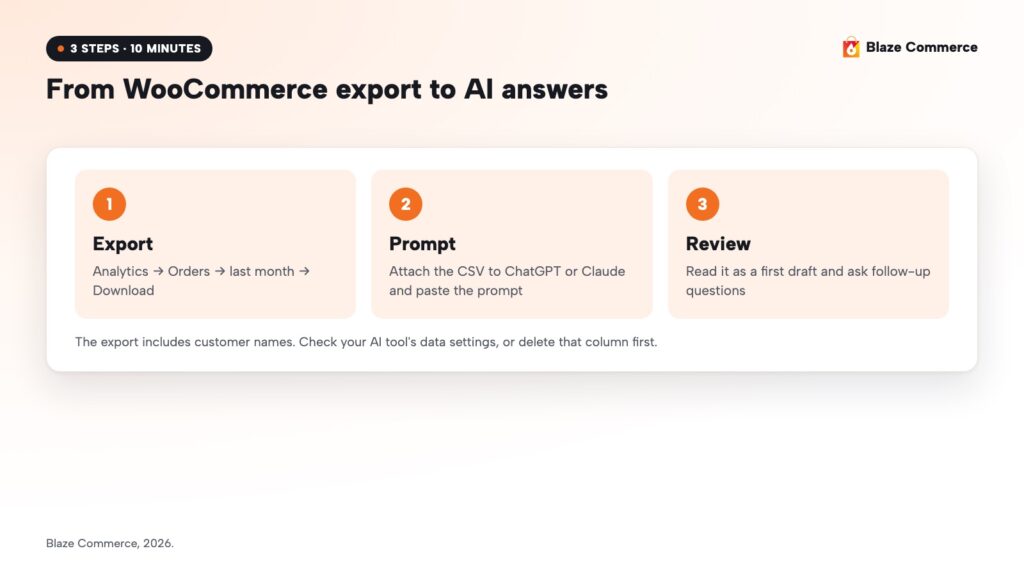
- In your WordPress dashboard, go to Analytics → Orders.
- Set the date range to last month (or the last 30 days).
- Click Download above the orders table. Small reports download straight away; for larger ones, WooCommerce emails you a link.
You’ll get a CSV file with one row per order: date, order number, status, customer, customer type, products, items sold, coupons and net sales.
Before you upload it: the file includes customer names. Check your AI tool’s data settings first. If you’d rather not share names, delete the customer column and drop the “best customers” line from the prompt; the rest still works.
Step 2: Paste this prompt
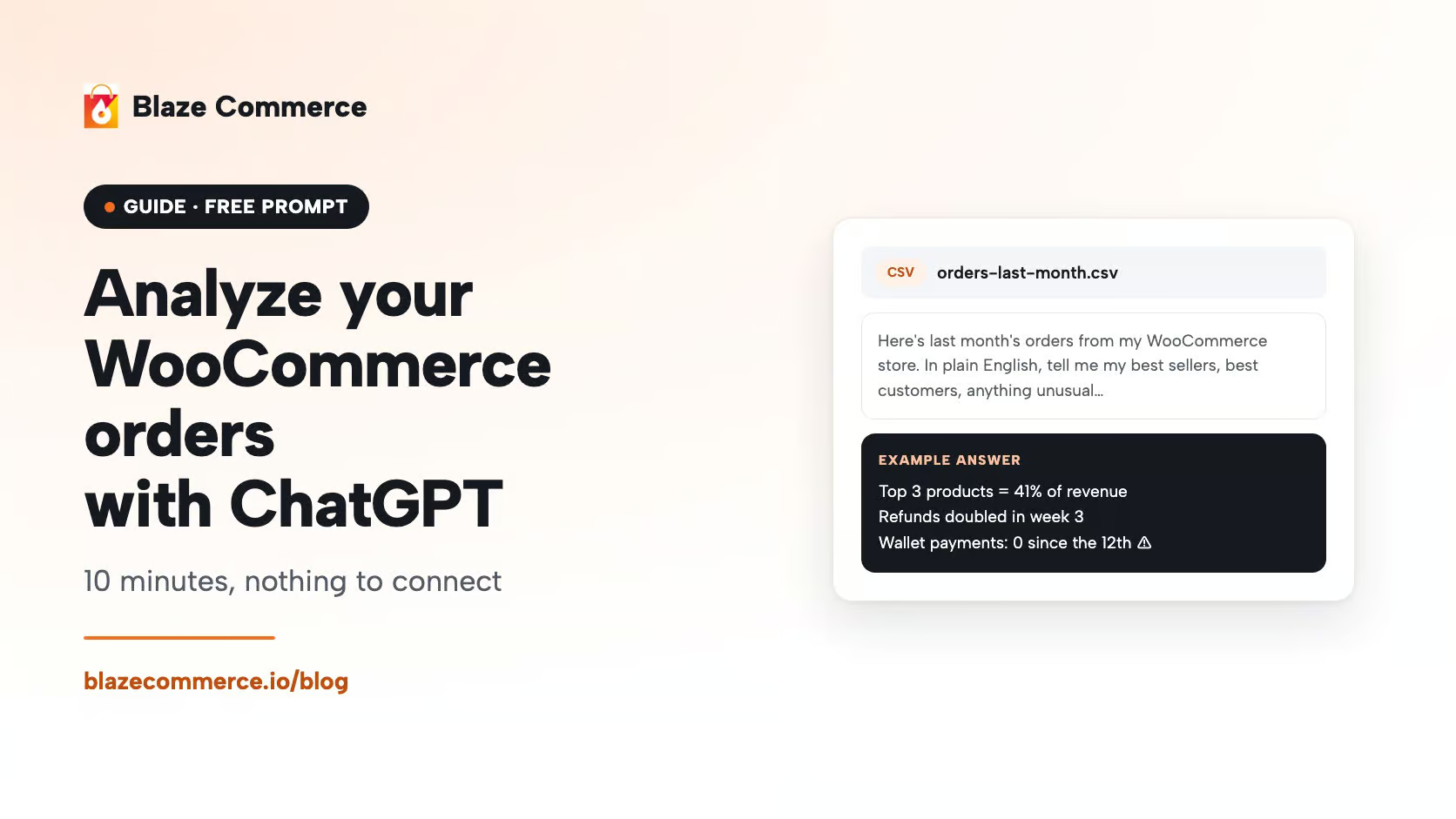
Open ChatGPT or Claude, attach the file, and paste:
Here’s last month’s orders from my WooCommerce store. In plain English, tell me:
- My best-selling products and how much of revenue they make up.
- Who my best customers are and how often they buy.
- Anything unusual: spikes, drops, refunds, failed orders or odd patterns.
- Three questions I should be asking about my store that I’m probably not.
Keep it short, and if the data doesn’t show something, say so.
The last line matters. It stops the AI from filling gaps with guesses.
Step 3: Read it as a first draft
It’ll be rough. One file, no analytics, no history. But in ten minutes you’ll see what a weekly habit could look like on your own numbers, and nothing on your store changes.
Good follow-up questions:
- “Compare the first half of the month with the second. What changed?”
- “Which products are often bought together?”
- “List the failed and refunded orders and anything they have in common.”
Why AI gives generic answers about your store
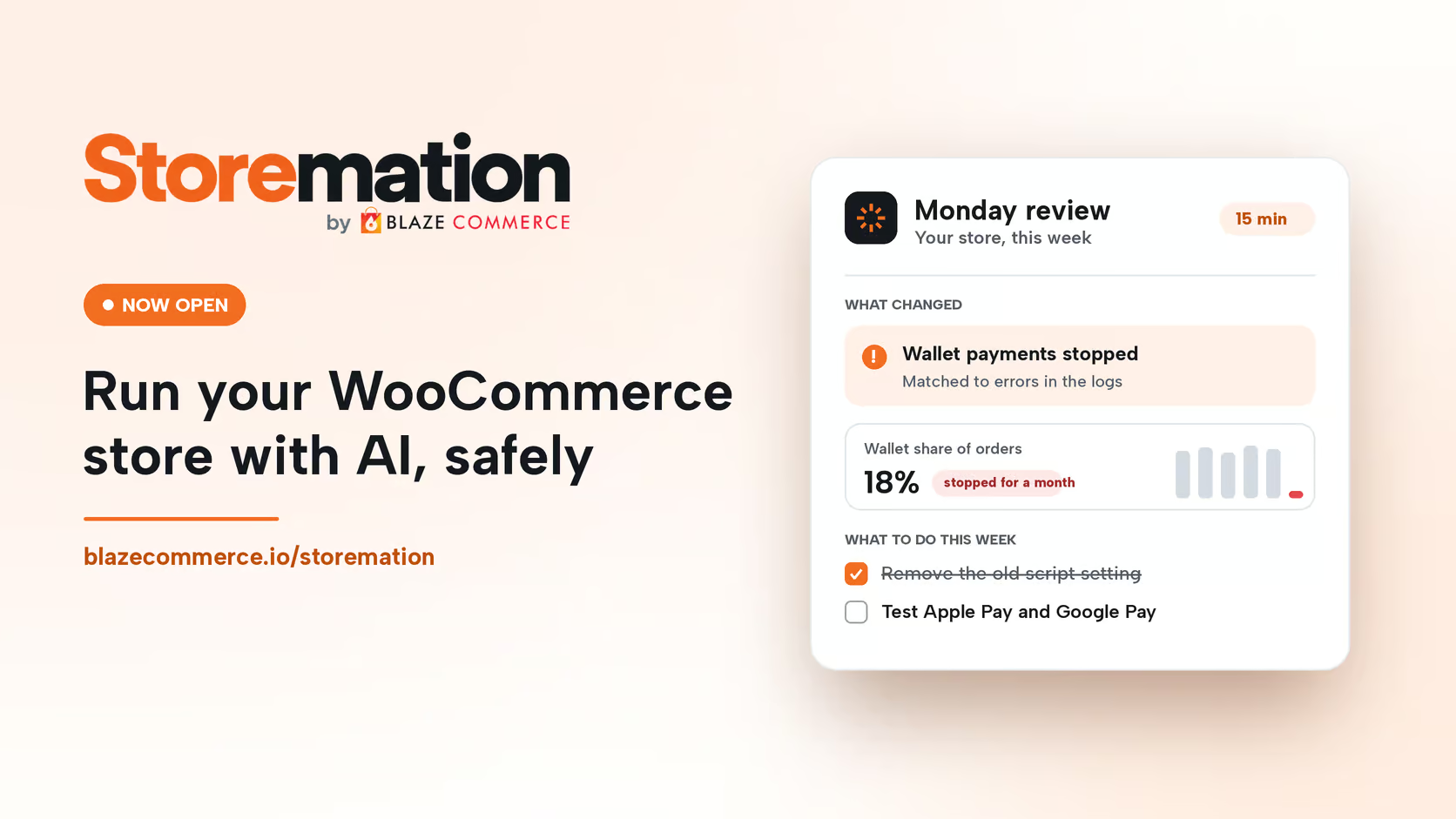
For a month, one client’s store took no Apple Pay or Google Pay payments. Normally they’re 18% of its orders. The buttons still showed, but customers who tapped them got an error saying their address was invalid for delivery. Some typed their card in. The rest left.
Someone on their team asked Claude. It gave a sensible answer: check the payment settings, check the domain verification, make sure the plugin is up to date. All reasonable, and none of it was the problem.
Then they asked us. We used Claude too, but with access to the site’s error logs and payment records, and with the checks we run on client stores every week. It matched the day wallet payments stopped to errors in the logs, and traced them to a setting a previous developer had left behind. That setting was quietly serving customers an out-of-date copy of the payment script. The fix took two minutes.
Same AI both times. The difference was what it could see and what it was asked to look for.
Three ways store owners get this wrong
- Stopping at product descriptions. They paste a product into ChatGPT, get something generic back, and decide AI is a copywriting tool.
- Giving an AI tool the admin login on the live store. No backup, no copy of the site to test on, no record of what changed. Most of the time nothing goes wrong, which is how people get comfortable doing it.
- Asking the right question with nothing to look at. They get the generic answer.
The safer way to give AI more to work with: read-only
Read-only access lets the AI see your orders, logs and analytics without being able to change a thing. You’d be surprised how much it finds before it ever needs to touch anything.
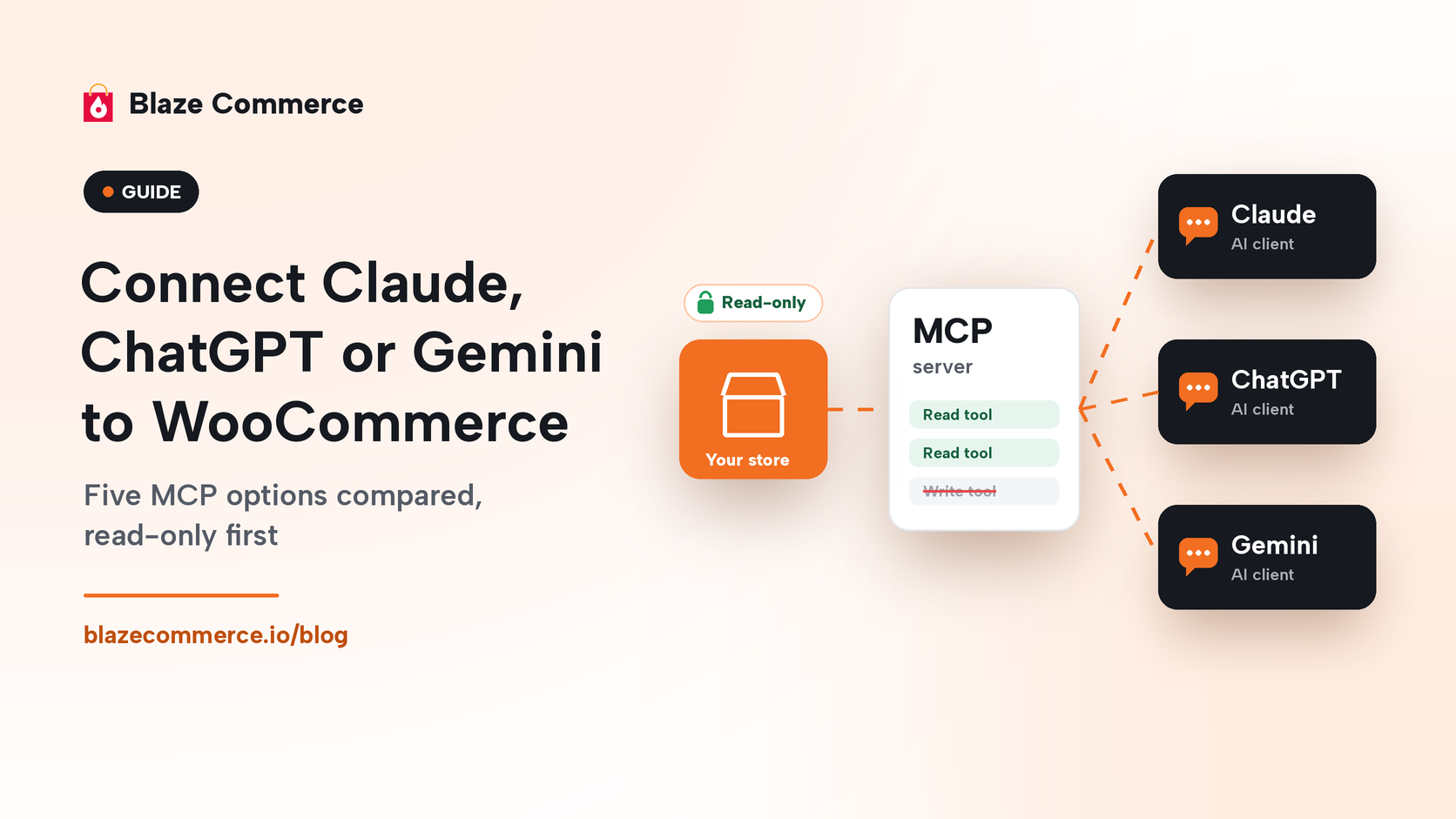
If you want to connect an AI assistant to your store directly, start with our guide to connecting Claude, ChatGPT or Gemini to WooCommerce, which compares the options read-only first.
Doing it every week
The export is a start. The useful version is the setup that found the payment problem: your store, Google Analytics, Search Console, your email platform and your site’s logs, read-only, checked every week against last week and last year.
That’s what we built Storemation for: a membership for WooCommerce store owners and the people who run their stores. Claude is set up on your store read-only from day one, and the Monday review tells you in 15 minutes what changed, why, and what to do. Any change goes through a staging copy first, and every change is logged and reversible.
Frequently asked questions
How do I export orders from WooCommerce?
Go to Analytics → Orders in your WordPress dashboard, choose a date range, and click Download. WooCommerce gives you a CSV file; for large date ranges it emails you a download link instead.
Is it safe to upload WooCommerce orders to ChatGPT or Claude?
The export includes customer names. Check the data settings of the AI tool you use, or delete the customer column first. Without it you lose the “best customers” answer, but products, dates, quantities and totals are enough for the rest.
Which is better for this, ChatGPT or Claude?
Either works for a one-off analysis of an order export. The bigger difference is what you give it: one file gets you a first look; read-only access to your store, analytics and logs gets you answers like the payment fix above.
Can ChatGPT connect to my WooCommerce store directly?
Yes, through MCP connections. Start read-only, so the AI can look but not change anything. Our MCP guide compares the options.
What should I ask AI about my store every week?
What changed since last week and last year, which products and customers drove it, anything unusual in orders, refunds or failed payments, and errors in your site’s logs that line up with a dip in sales.
Get my Revenue Recovery Audit
We score your store against the same 245-point Baymard standard we run on every audit, benchmark your mobile PageSpeed, and send the findings within five business days – each gap ranked by revenue impact.
Start My Audit →Every gap is tied to a dollar figure and a priority.
Talk directly with Campbell
Founder · WooCommerce only
Schedule a strategy call
30 minutes with Campbell on your UX and performance challenges with WooCommerce – especially if you’re in a restricted vertical where paid ads aren’t an option.
Schedule My Strategy Call →30 minutes. No pitch – an honest assessment of where you stand.