

A note before we start
This is a long read covering a year and a half of real WooCommerce security incidents and what they cost. If you want the short version: stores break when no one is maintaining them, the threat picture got worse in 2025, and the safest layer to defend from sits above WordPress, not inside it. Jump to the FAQ for the quick answers, or read on for the full account.
In April this year, Aaron, who owns cellsafe.com, noticed his customer invoices were missing the logo and business number. He flagged it with us. By the time we’d finished investigating, we’d found a PHP webshell sitting in his plugins folder and obfuscated code injected into his database. The backdoor had been live for three weeks before the broken invoice gave it away.
Aaron has been a Blaze Commerce client for years. For a long stretch of that time we handled his site’s ongoing maintenance. Then, like plenty of WooCommerce store owners do, he made the call to suspend it and save the recurring cost. Nothing took its place. The visible tip of his compromise was a missing logo on a PDF. The actual cost was the suspended maintenance that let an attacker walk in and stay.
In most cases when a WooCommerce store gets compromised, the answer to “who was maintaining this?” turns out to be no one. And the reason is almost always a financial one.
What 18 months of incidents looks like

January 2025: a single email from SendGrid told us nine of our managed sites were being used to relay spam at the same time. Same vulnerability across all nine. We caught it because we monitor at portfolio level. A single store would have looked like a one-off. Nine sites at once told a different story.
Earlier this year, plansforu.com (where we’d done a security cleanup the previous year) turned up two new PHP webshells – those are hidden files an attacker leaves so they can log back into your site whenever they want – disguised as .css files with encrypted payloads.
In April we lost more time than I’d like to admit on dancewear.co.uk, which got hammered by what looked like Facebook’s own bot crawler: 95,000 requests in a day, server load 55, real customers locked out for hours. Except it wasn’t Facebook. It was a bot impersonating Facebook’s user agent, which is exactly why it got let through. Same trick the Smart Slider 3 attackers pulled at a different layer (more on that in a second). Ride a legitimate-looking channel into your site, then do something illegitimate once you’re in.
Beaufortanimalsupplies.com.au copped two attacks in the same month. A card-testing fraud wave (3,076 fake checkout attempts in a week, where bots run stolen credit cards through your checkout to find which ones still work), then a session flood that bloated the database until the admin couldn’t log in.
And then the most expensive one. One of Australia’s largest online retailers of gift hampers got compromised through out-of-date plugins and was blocked from Google search results for eight days. The owner had deprioritized plugin updates as a cost-saving decision. For a business that runs a meaningful chunk of revenue through organic traffic, eight days of Google blocking isn’t a security incident. It’s an extinction event for the quarter.
None of these clients were doing anything reckless. They’re running normal stores with normal plugin stacks.
We’ll show you exactly where your store loses revenue.
We audit your store across UX, performance, and conversion, then show you the specific issues costing you orders – each one measured against revenue impact. You get a prioritised list of what’s losing money and what it’s worth to resolve.
- ✓239-point Baymard UX audit
- ✓Core Web Vitals + LCP + CLS benchmark
- ✓SemRush health benchmark
Every finding comes with the revenue it’s costing you and the lift from resolving it. You decide what’s worth doing.
What has changed
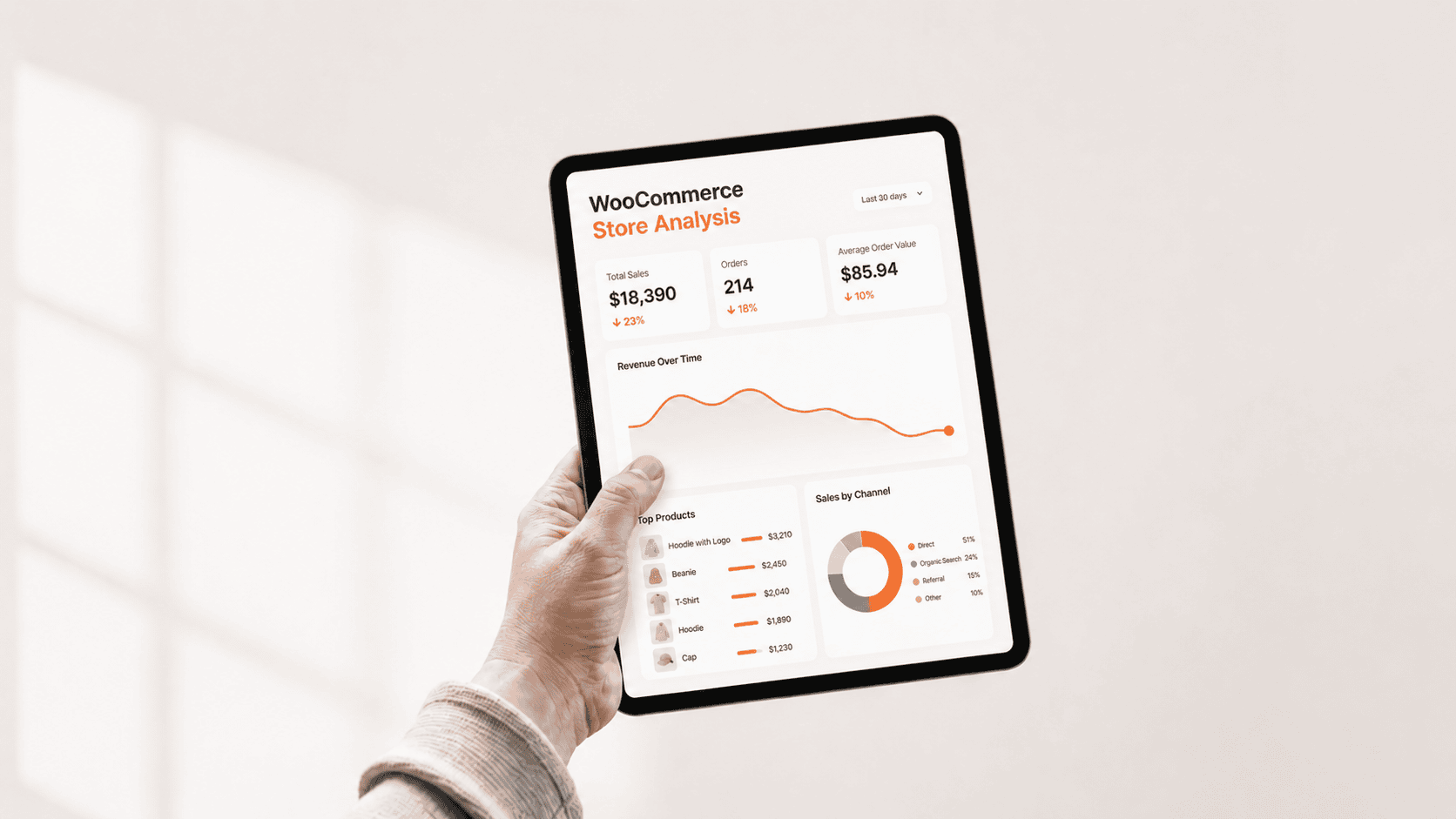
The threat picture has shifted faster than most WooCommerce store owners realize.
Patchstack, the company that catalogs WordPress security flaws, recorded 11,334 new vulnerabilities across WordPress, plugins, and themes in 2025 alone. That’s a 42% jump on the previous year. More high-severity vulnerabilities were found in 2025 than in the previous two years combined. (CVE stands for Common Vulnerabilities and Exposures. It’s a public catalog of every known security flaw. The moment a CVE is published, every automated scanner on the internet knows about it within minutes.)
Two numbers from that report are worth sitting with.
The median time from disclosure to first exploitation is now five hours. 20% are being attacked within six hours of becoming public. 45% within twenty-four. The “I’ll patch it on Sunday” rhythm worked when patches led exploitation by days or weeks. It doesn’t anymore.
Standard hosting defenses blocked only 12% of attacks in Patchstack’s testing of known WordPress vulnerabilities. Even when they broadened the scope to general attacks, only 26% were stopped. The Cloudflares and ModSecs of the world are not the safety net most owners assume they are.
And in April this year, the auto-update server for Smart Slider 3 (a hugely popular WordPress plugin) was itself compromised. The legitimate update channel pushed a backdoored version of the plugin to every site running auto-updates. If you trusted auto-updates to keep you safe, you got the backdoor delivered for free.
WordPress isn’t uniquely vulnerable

Before anyone reading this starts wondering whether they should have moved to Shopify three years ago, that’s not the takeaway.
Magecart, the family of attacks that steal credit card details directly from checkout pages, hits Shopify, Magento, and WooCommerce with the same payload patterns and the same crime groups behind them. The platform isn’t the differentiator. The maintenance posture is.
WordPress runs roughly 43% of the web. Bigger surface, more attention from attackers, more automation aimed at it. WooCommerce’s plugin model is its biggest commercial advantage and its biggest maintenance cost. You can’t escape that trade-off by switching platforms. You’d trade which compromises you accept (Shopify locks you in and limits flexibility; WooCommerce gives you flexibility and asks you to maintain it).
The unmaintained WooCommerce store is the problem. Not WooCommerce.
On Wordfence
Time for the contrarian bit. We remove Wordfence (and most other WordPress security plugins) from every site we host as part of our onboarding.
Two reasons. First, across nearly 60,000 infected WordPress sites that had Wordfence installed, 14% of the malware was specifically designed to tamper with Wordfence’s own files to hide from it. A scanner that infected sites are actively gaming gives you something worse than no scanner. It gives you false confidence.
Second, security at the WordPress plugin layer is, by definition, security inside the same system that’s already been compromised. If an attacker is in your WordPress install, they can usually disable, hide from, or feed false output to anything else running inside that install.
What we run instead sits one layer up. Cloudflare’s web application firewall (a filter sitting in front of the site that blocks known attack patterns before they reach WordPress), Turnstile on forms to stop automated submissions, file integrity monitoring at the host level, and an actual human reading the alerts.
I know this will annoy a chunk of readers who run Wordfence and have never had a problem. Tell me I’m wrong in the comments. I’d like to hear the counter.
The real failure mode

In nearly every compromise we’ve cleaned up, the answer to “who was maintaining this site?” is some version of no one. And the reason is almost always financial.
Maintenance feels like a recurring cost with no visible return, until something breaks. Until the site gets Google-blocked for eight days. Until Cloudflare flags the traffic and shuts the gate on real customers (yes, we’ve seen that too). Until a missing logo on an invoice surfaces a three-week-old backdoor.
The single worst answer to “who’s responsible for keeping this current?” is “I am, when I get to it.” That’s the worst-case scenario, because business owners don’t get to it. You’re running the business. You’re not auditing plugin changelogs at 11pm on a Tuesday. The few hundred dollars a month you saved by skipping ongoing maintenance ends up costing you a five-figure cleanup, an eight-day Google block, or a Cloudflare outage that locked your real customers out.
Trusting your host to do it doesn’t help unless your host does it. Patchstack’s testing shows traditional hosting defenses caught 12% of WordPress-specific exploitation attempts. Most managed hosts run security at the network layer, not the application layer. They’re not patching your plugins for you.
Trusting the developer who built the site three years ago doesn’t help unless they’re under a current retainer with explicit maintenance scope. Auto-updates don’t help when, as Smart Slider 3 proves, the update channel itself can be the attack vector.
This isn’t a plugin problem. It’s a process problem. Staging-tested monthly updates, file-integrity monitoring outside WordPress, daily backups with verified restores (not only “configured”), and a human looking at the alerts when things fire at 11pm on a Saturday.
What to do this week
If you’ve read this far and quietly realized no one is doing any of this on your store (not your host, not the developer who built it, not the IT person who handles your email), that’s not a gap in your maintenance. That’s a vacuum. And it’s how every incident in this article started.
Our WooCommerce Care Plans exist to fill that vacuum. Staging-tested updates every month, malware scanning at the host level, daily backups with verified restores, monitoring that fires when something looks wrong. Most clients land on Performance ($499/mo USD) or Growth ($799/mo) because the same monitoring posture also catches the slow performance drift that’s costing them conversions. Core ($249/mo) is the minimum if your store is carrying meaningful revenue.
If you’re not ready to talk plans, request the security checklist we run on managed sites. No pitch.
If you want to see exactly where your store stands first, the $995 WooCommerce Revenue Audit is the starting point. We measure the maintenance posture, the plugin exposure, and the performance drift that’s costing you orders, then hand you the numbers and the priority order. Start my audit.
One last thing.
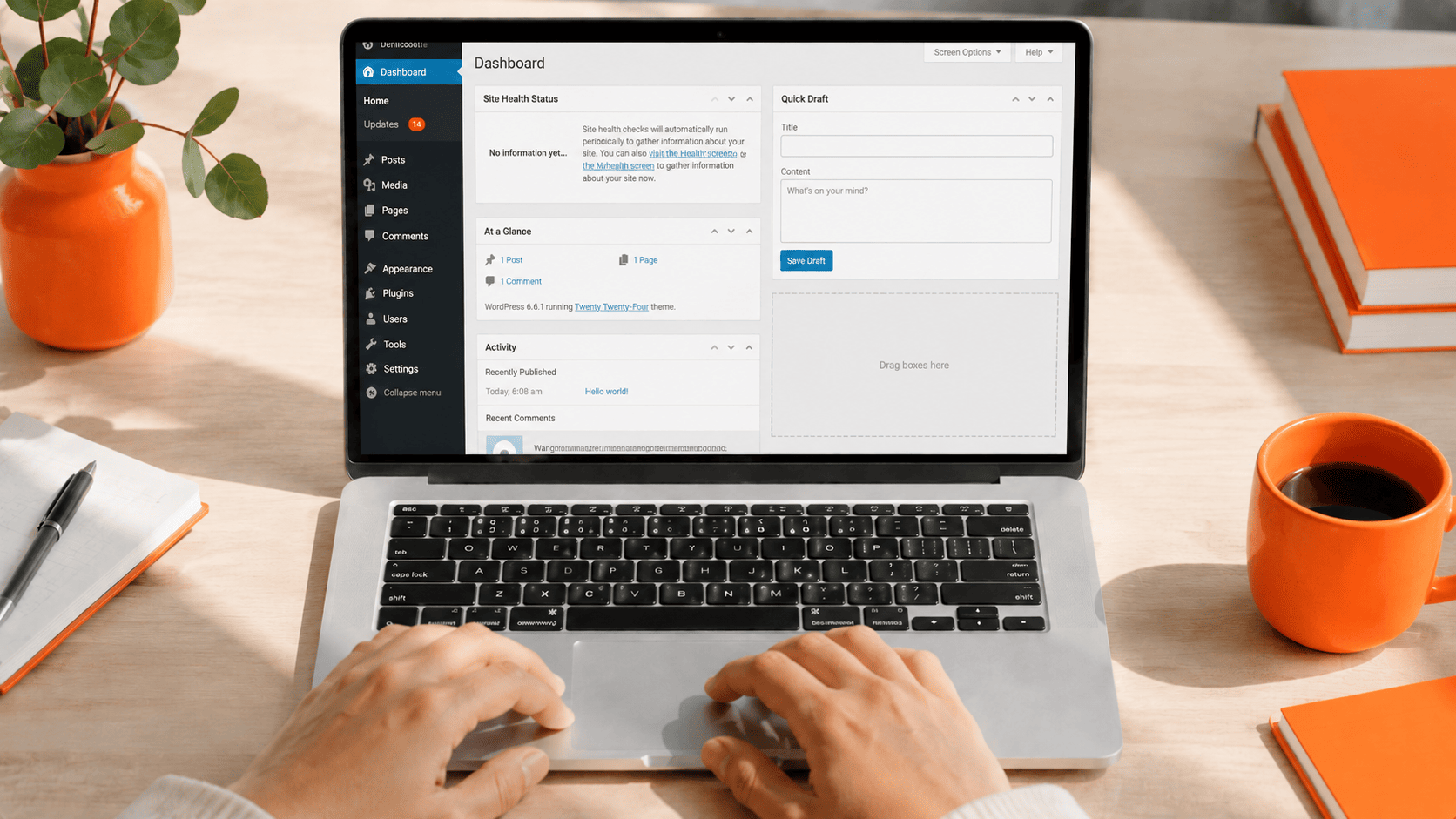
Log into your WordPress dashboard. Hover over the Dashboard menu item in the top left. You’ll see an Updates link with a number next to it.
If it’s in double digits, that’s the conversation to have.
Get my Revenue Recovery Audit
We score your store against the same 245-point Baymard standard we run on every audit, benchmark your mobile PageSpeed, and send the findings within 7 days – each gap ranked by revenue impact.
Get My Revenue Audit →Every gap is tied to a dollar figure and a priority.
Talk directly with Campbell
Founder · 11 years WooCommerce
Schedule a strategy call
30 minutes with Campbell on your UX and performance challenges with WooCommerce – especially if you’re in a restricted vertical where paid ads aren’t an option.
Schedule My Strategy Call →30 minutes. No pitch – an honest assessment of where you stand.
Frequently asked questions
Why does Blaze Commerce remove Wordfence and other WordPress security plugins?
Security run inside WordPress sits in the same system an attacker has already compromised. Across nearly 60,000 infected WordPress sites with Wordfence installed, 14% of the malware was built to tamper with Wordfence’s own files and hide from it. A scanner that infected sites are gaming gives you false confidence. We run defenses one layer up instead: Cloudflare’s web application firewall, Turnstile on forms, host-level file integrity monitoring, and a human reading the alerts.
How fast are WordPress vulnerabilities exploited after disclosure?
The median time from disclosure to first exploitation is now five hours. 20% are attacked within six hours of becoming public and 45% within twenty-four. Patchstack recorded 11,334 new WordPress, plugin, and theme vulnerabilities in 2025, a 42% jump on the prior year. The “patch it on Sunday” rhythm no longer works when patches no longer lead exploitation by days.
Does my managed host already handle plugin security for me?
Usually not. Patchstack’s testing shows standard hosting defenses blocked only 12% of WordPress-specific exploitation attempts, and only 26% of general attacks. Most managed hosts run security at the network layer, not the application layer. They are not patching your plugins for you.
Is WooCommerce less secure than Shopify?
No. Magecart and the crime groups behind it hit Shopify, Magento, and WooCommerce with the same payload patterns. The platform is not the differentiator; the maintenance posture is. WooCommerce gives you flexibility and asks you to maintain it. The unmaintained store is the problem, not WooCommerce.
How do I know whether my own store is at risk?
Start with the dashboard: if your pending updates count is in double digits, that is the signal. For a full picture of your maintenance posture, plugin exposure, and the performance drift costing you orders, the $995 WooCommerce Revenue Audit measures it and hands you the numbers in priority order.